Projects Page — Content Reference
CMS Path: Pages → Projects Page
File: content/projects.md
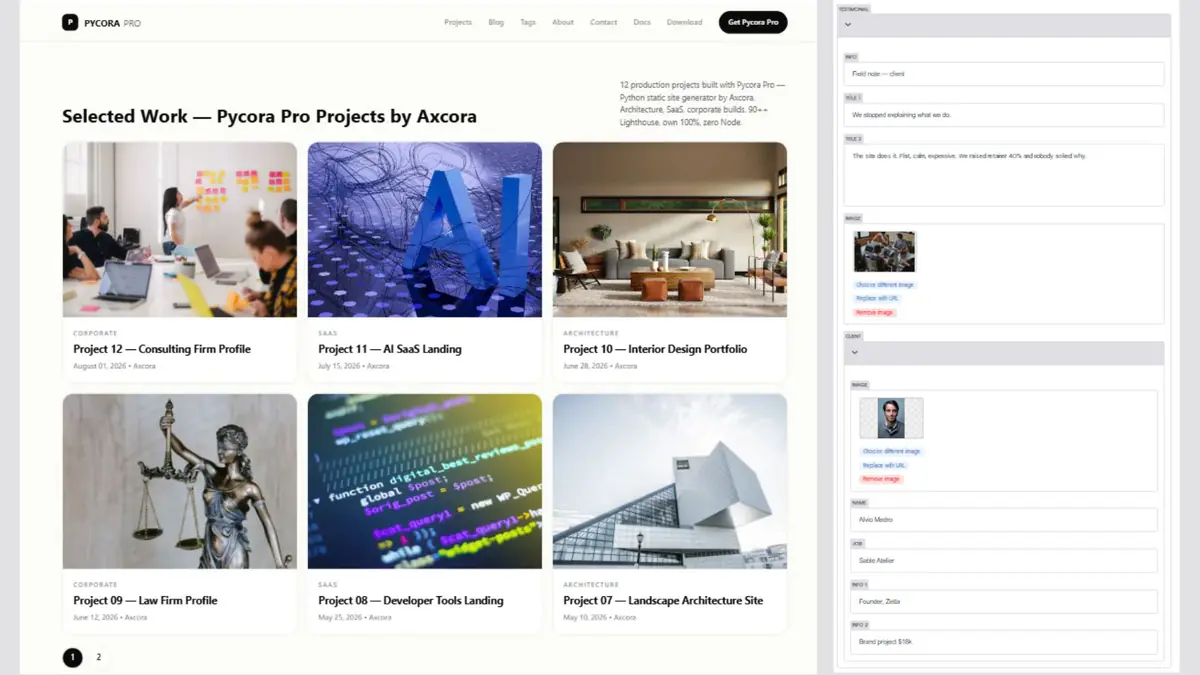
The Projects Page is a controller — it does not contain projects itself. It lists items from the Projects Collections folder.

Page Metadata
| Field | File Key | What It Controls |
|---|---|---|
| Layout | layout | Template used (do not change) |
| Title | title | Browser tab and SEO title |
| Description | description | Meta description |
| Image | image | Social share image |
| Keywords | keywords | SEO keywords |
Collection Settings
| Field | File Key | What It Controls |
|---|---|---|
| Collection | collection | Which collection to list (default: projects) |
| Pagination | pagination | Number of projects per page |
| Sort By | sort_by | Field to sort by (default: date) |
| Sort Order | sort_order | asc or desc |
What Each Setting Does
- Collection — tells the controller where to pull items from. Default is
projects. Change this only if you rename the collection folder. - Pagination — how many projects appear on each page. Common values: 6, 9, 12.
- Sort By — which field to sort by. Use
datefor newest first, ortitlefor alphabetical. - Sort Order —
descputs newest first,ascputs oldest first.
How Pagination Works
If pagination: 6 and you have 12 projects, the Projects page generates:
/projects/           → page 1 (projects 1–6)
/projects/page/2/    → page 2 (projects 7–12)
The template automatically renders Previous and Next links.
How to Edit the Projects Page
- Open the CMS at
/admin/ - Click Pages → Projects Page
- Edit the metadata
- Adjust pagination or sorting
- Click Save
To edit the projects themselves, go to Projects Collections in the sidebar.
Common Pagination Values
| Projects per Page | Best For |
|---|---|
| 4 | Featured-heavy portfolios |
| 6 | Balanced (default) |
| 9 | Content-rich portfolios |
| 12 | Magazine-style listing |
Best Practices
- Set pagination to match your design — 6 works for most portfolios
- Use
date+desc— newest first is expected - Do not rename the collection — keep
projects - Write strong descriptions — this page appears in search results
- Feature your best work first — the newest is not always the best
Troubleshooting
Projects page is empty
- Check that
content/projects/contains Markdown files - Confirm each project has valid frontmatter
- Check the
collectionvalue — it should beprojects
Pagination does not appear
- Check that
paginationis set to a number greater than 0 - Confirm there are more projects than the pagination value
- Save and rebuild
Projects appear in the wrong order
- Check
sort_order— usedescfor newest first - Check that each project has a
datefield - Confirm dates are in
YYYY-MM-DDformat
Wrong collection is listed
Open collection and set it to projects. Do not change it unless you renamed the folder.
Images do not appear on project cards
- Check that each project has an
imagefield - Confirm the image path starts with
/img/ - Check that the file exists in
static/img/
Related
What's Next?
Now let's look at the Projects Collection itself.